Agents Only
A GigCX Platform
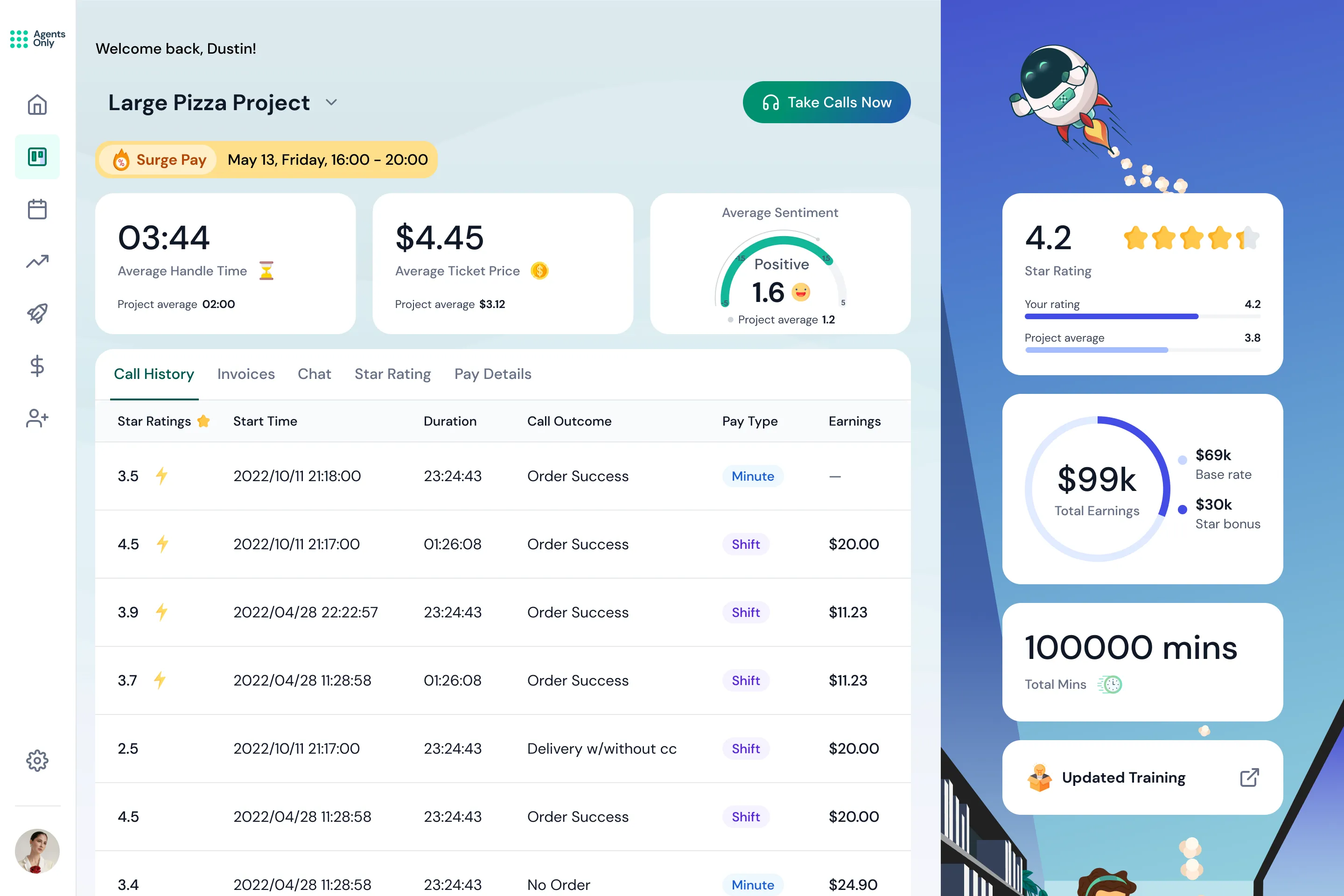
Agent Portal is accessed by freelance experienced call center agents.This group of users is elective and has the same demographic. They have many years of experience in
call center applications with outdated UX so my job is to provide them a change in perspective of how convenient good UX can be while working to help their own customers in need.
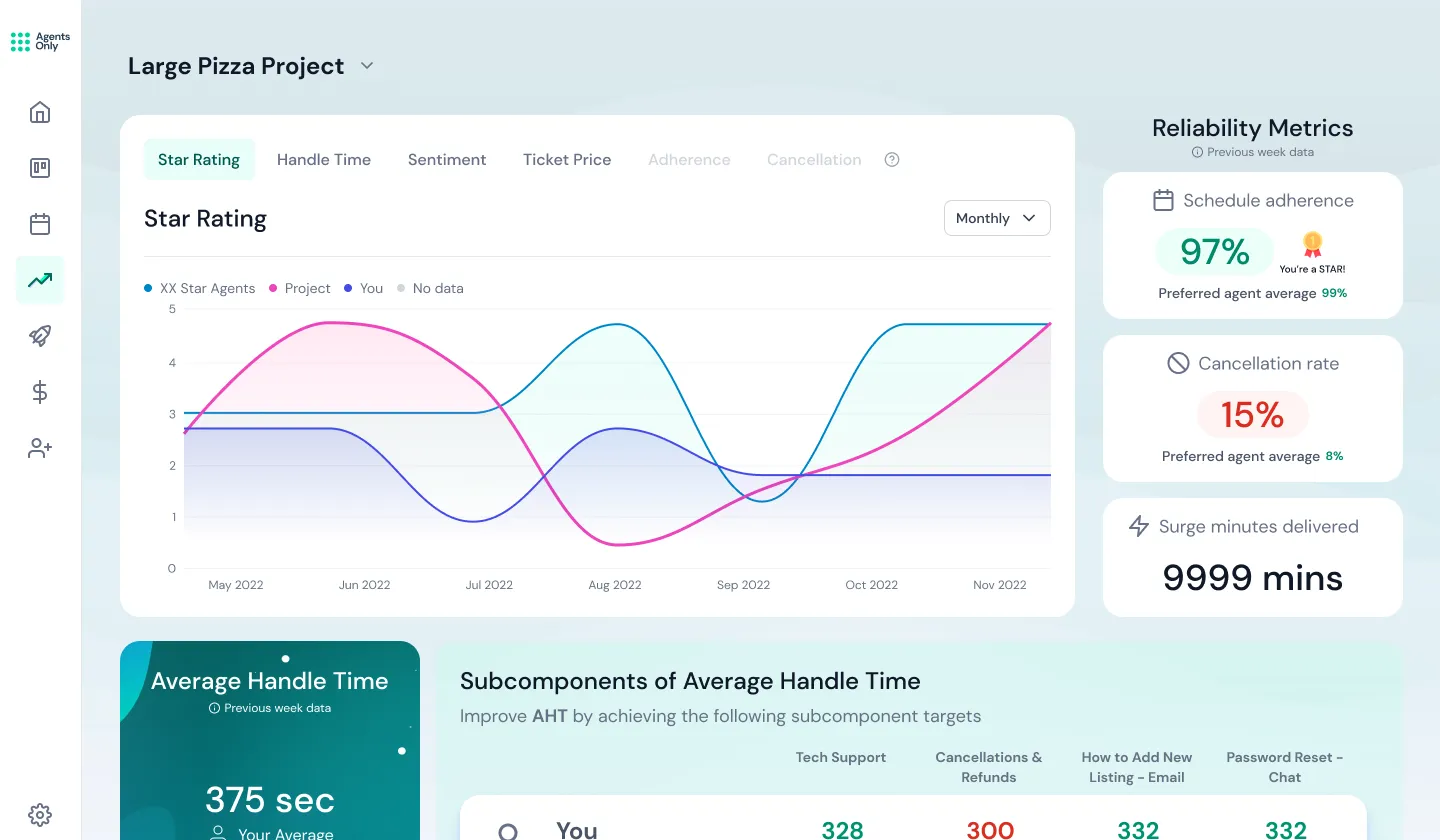
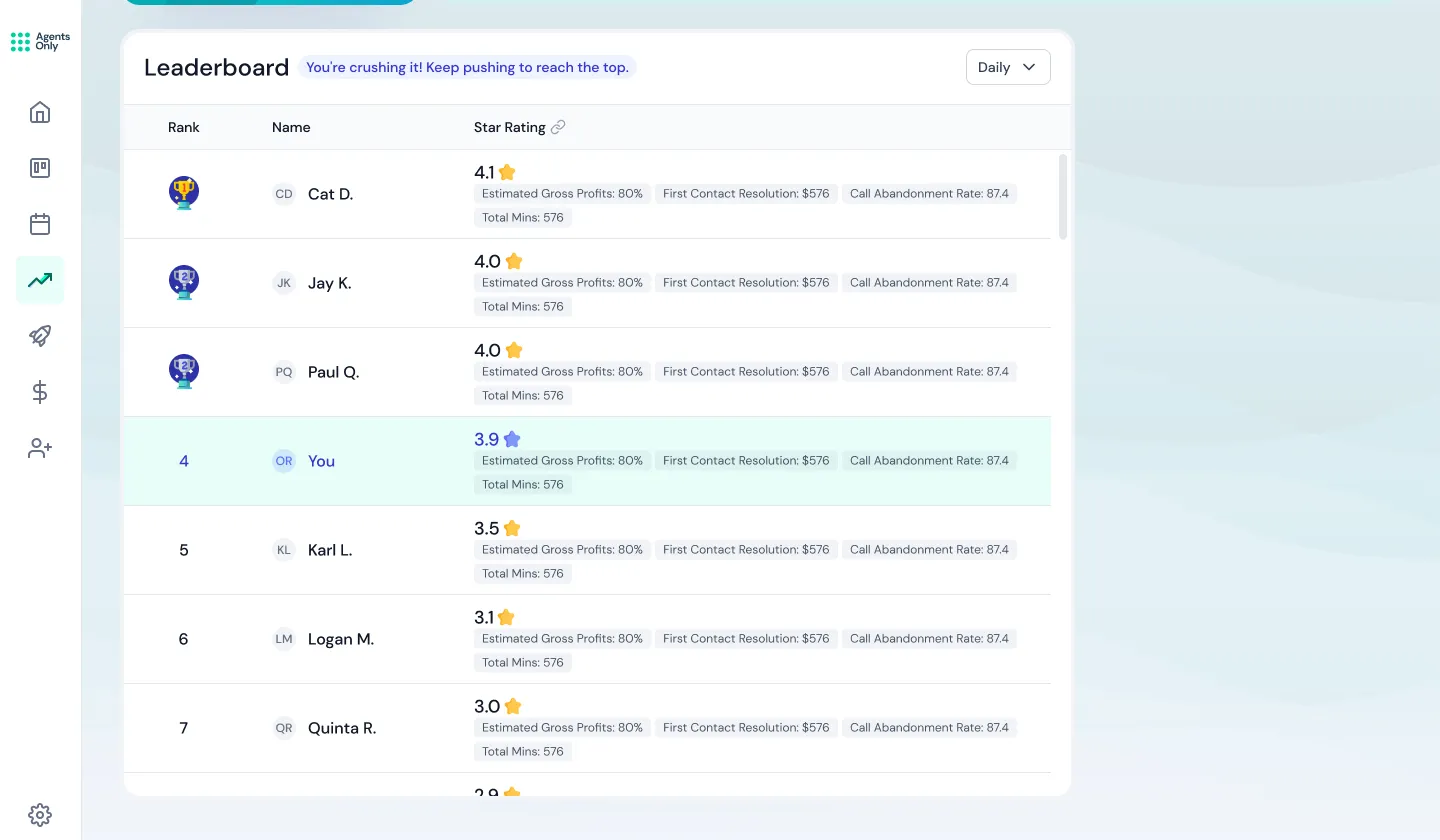
Dashboard
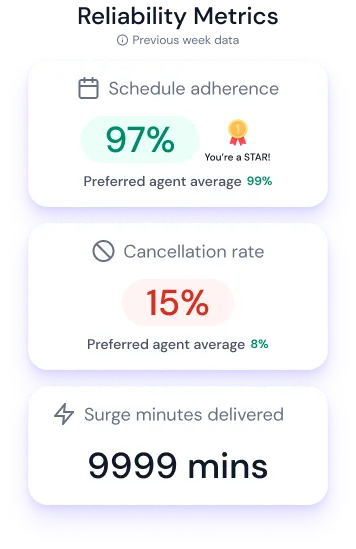
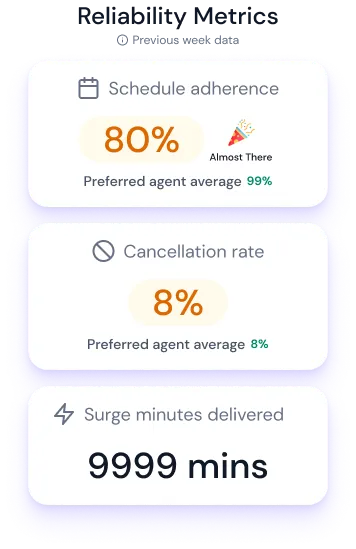
Metric Widgets
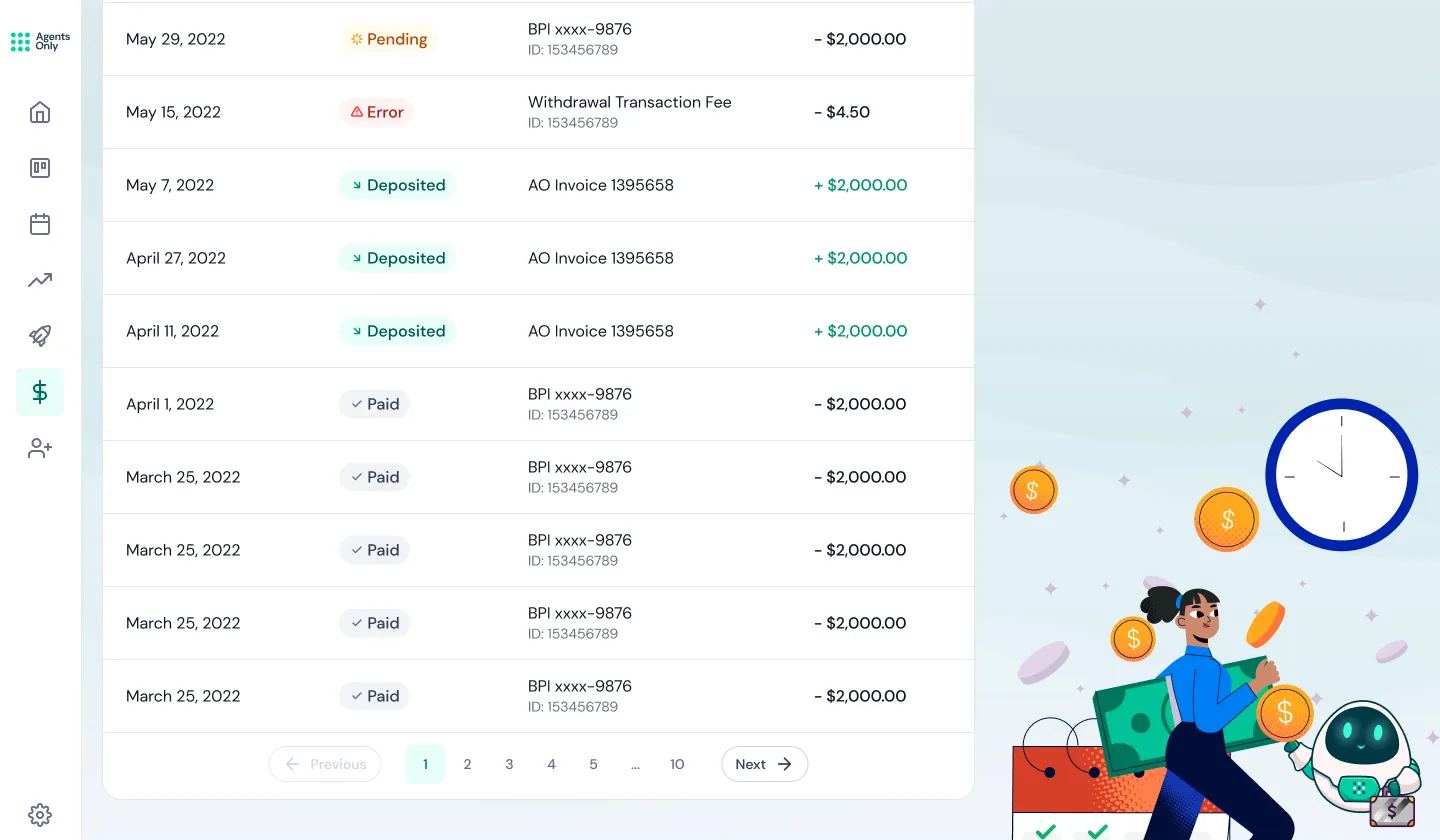
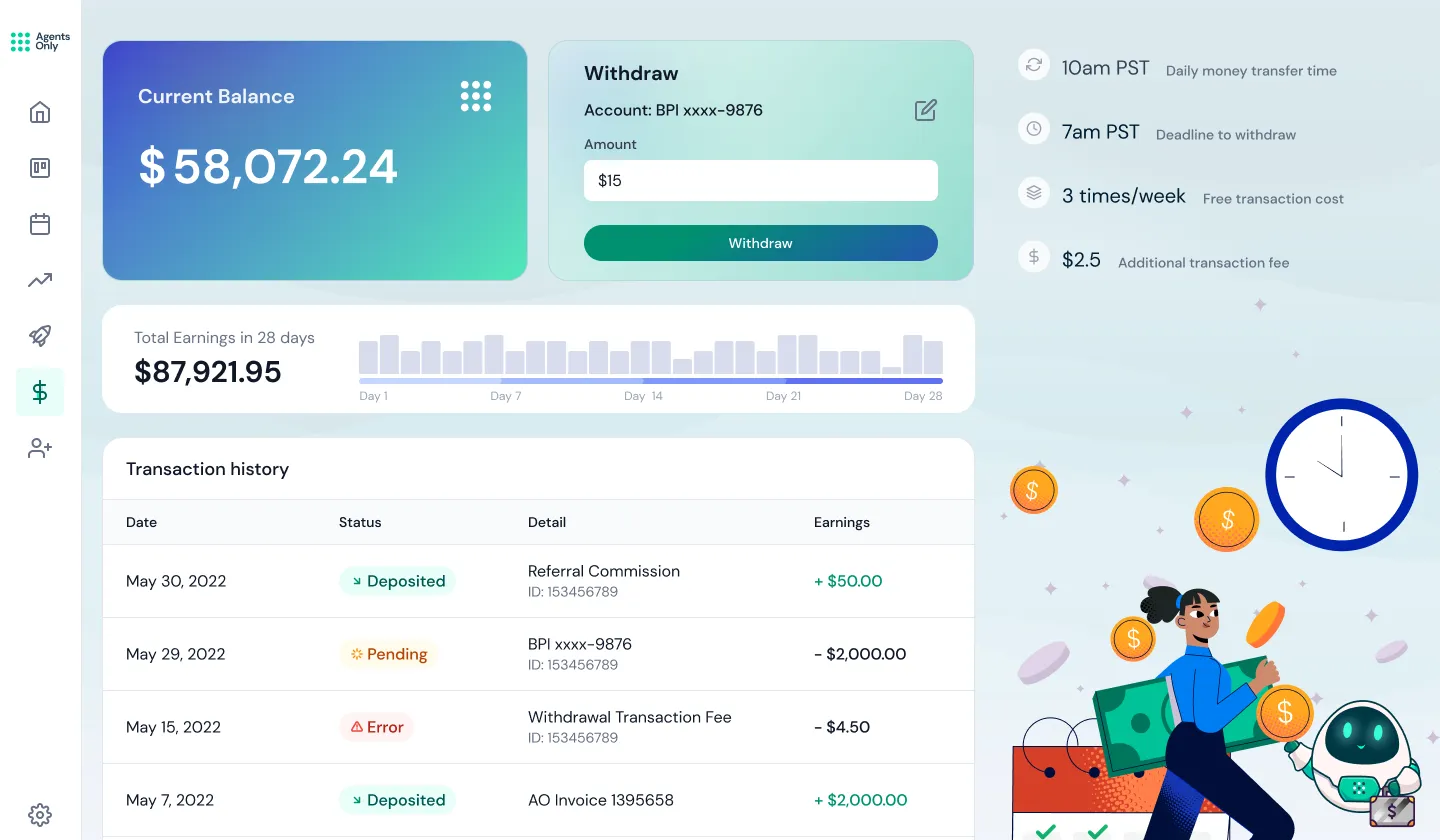
Agent's Wallet
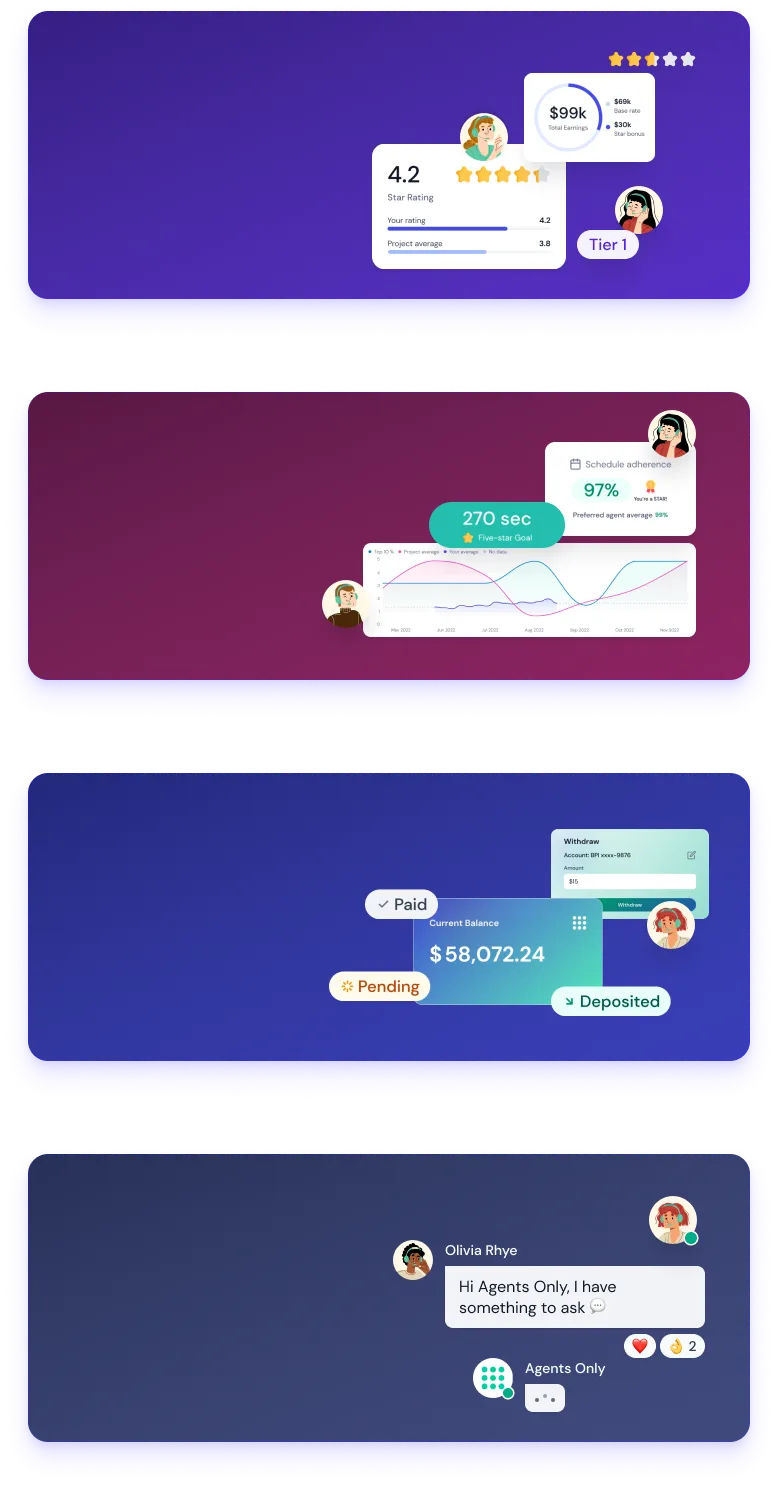
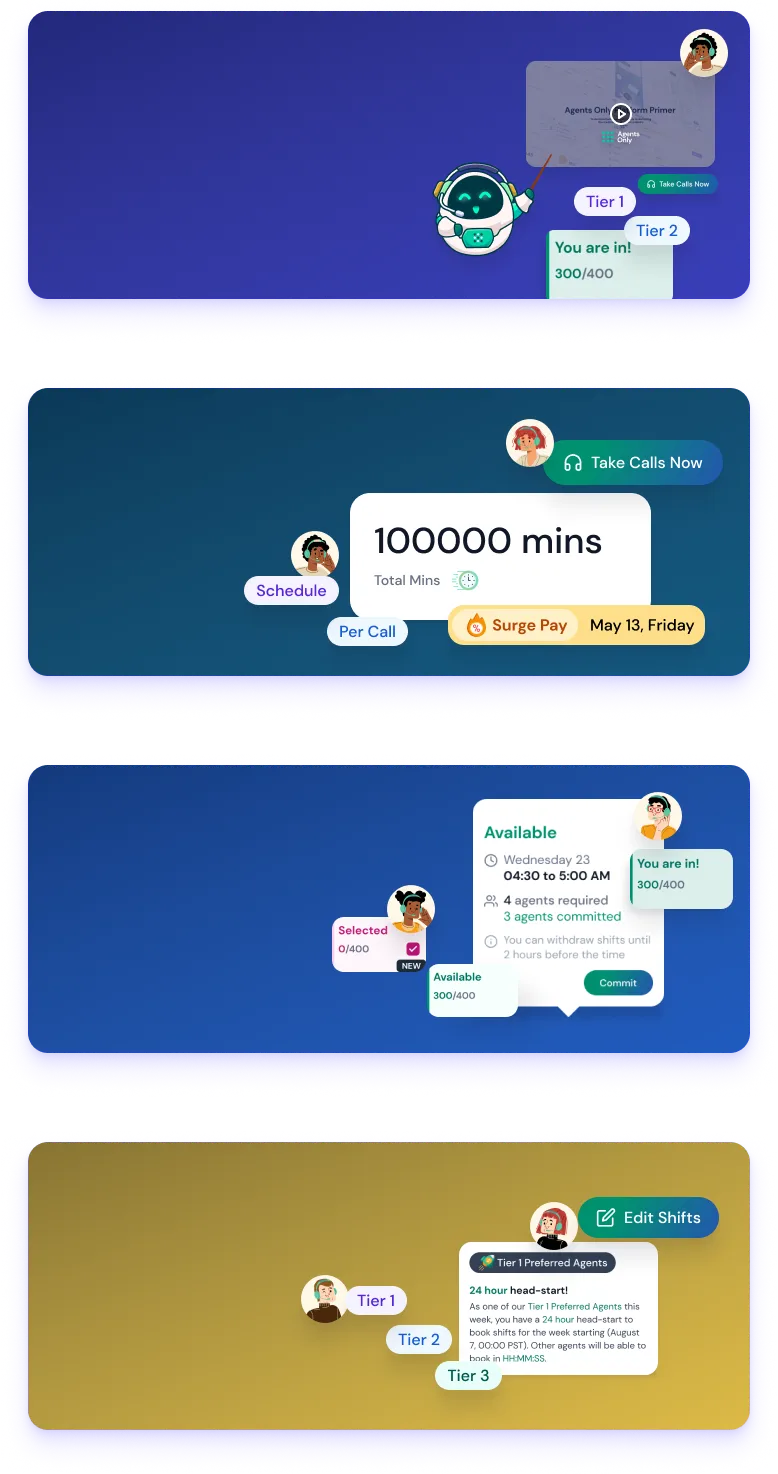
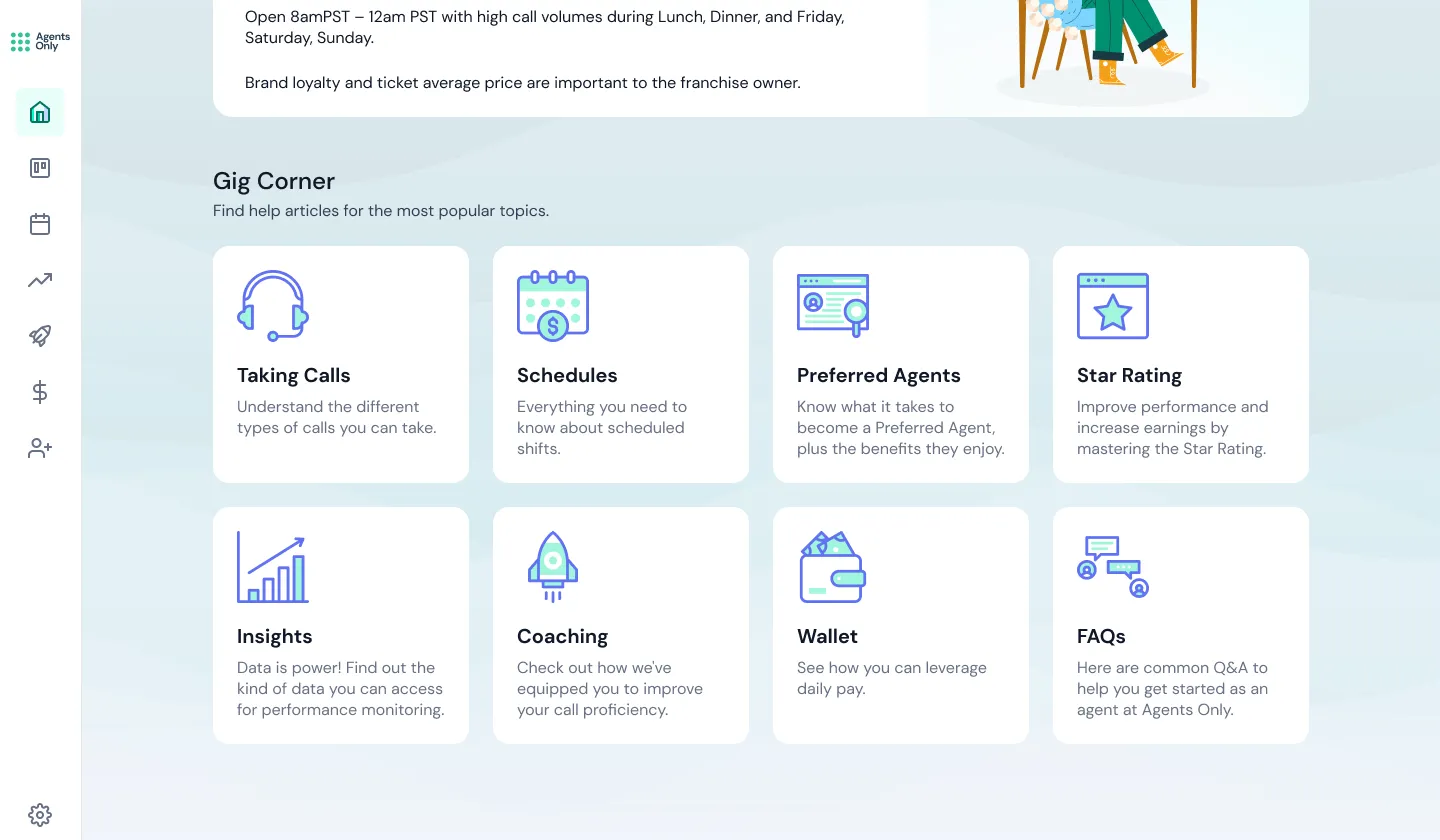
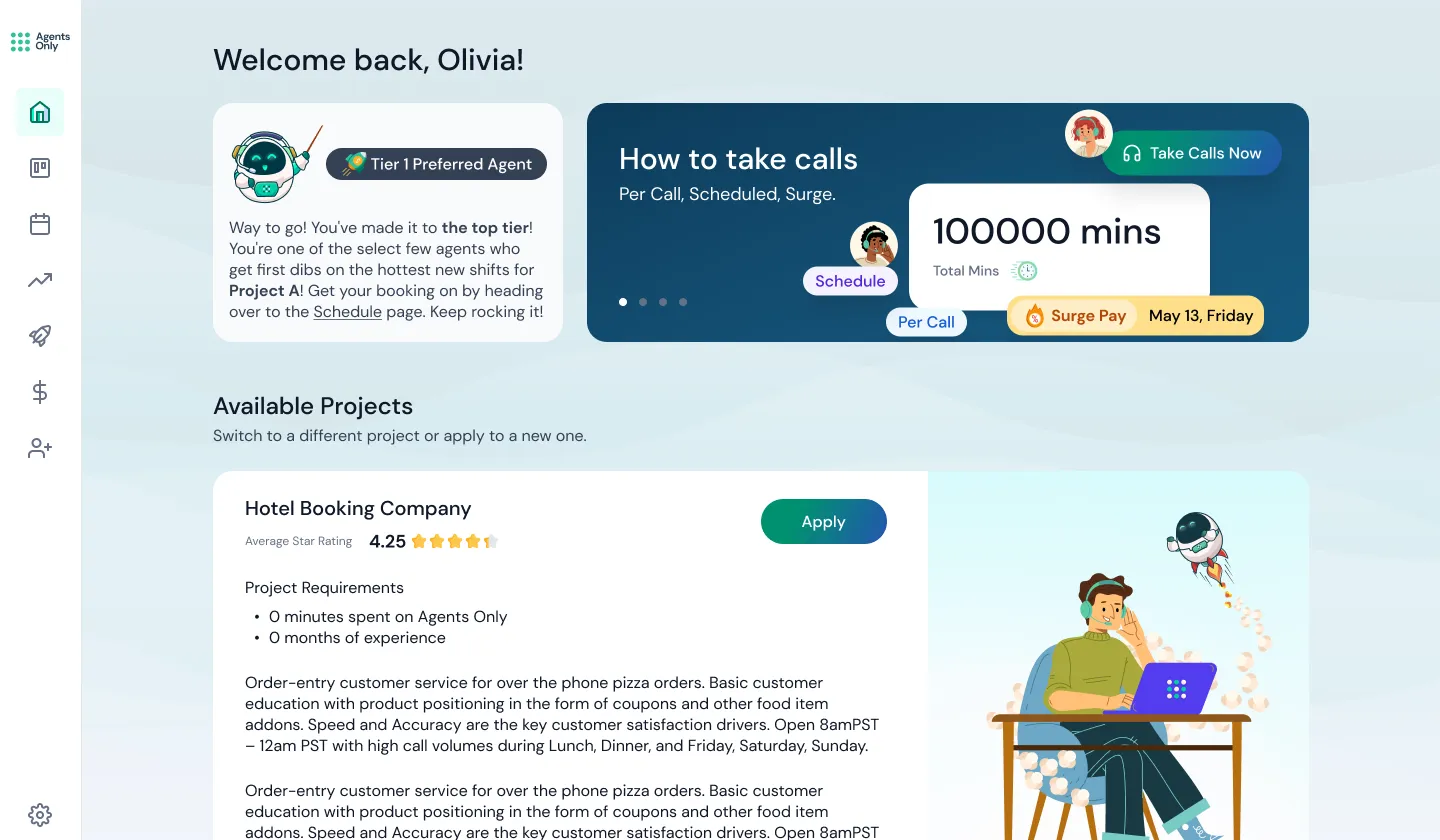
Home
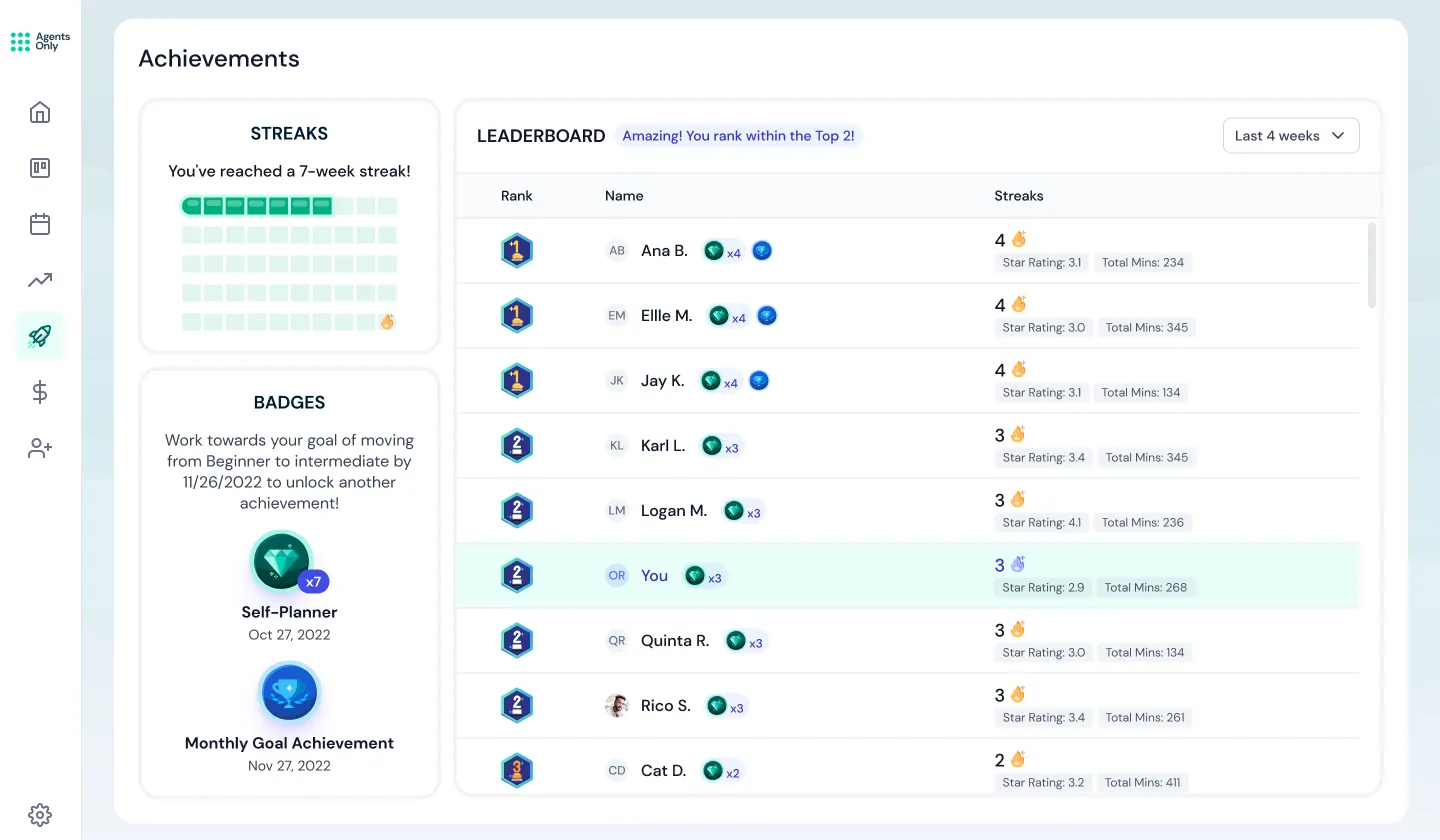
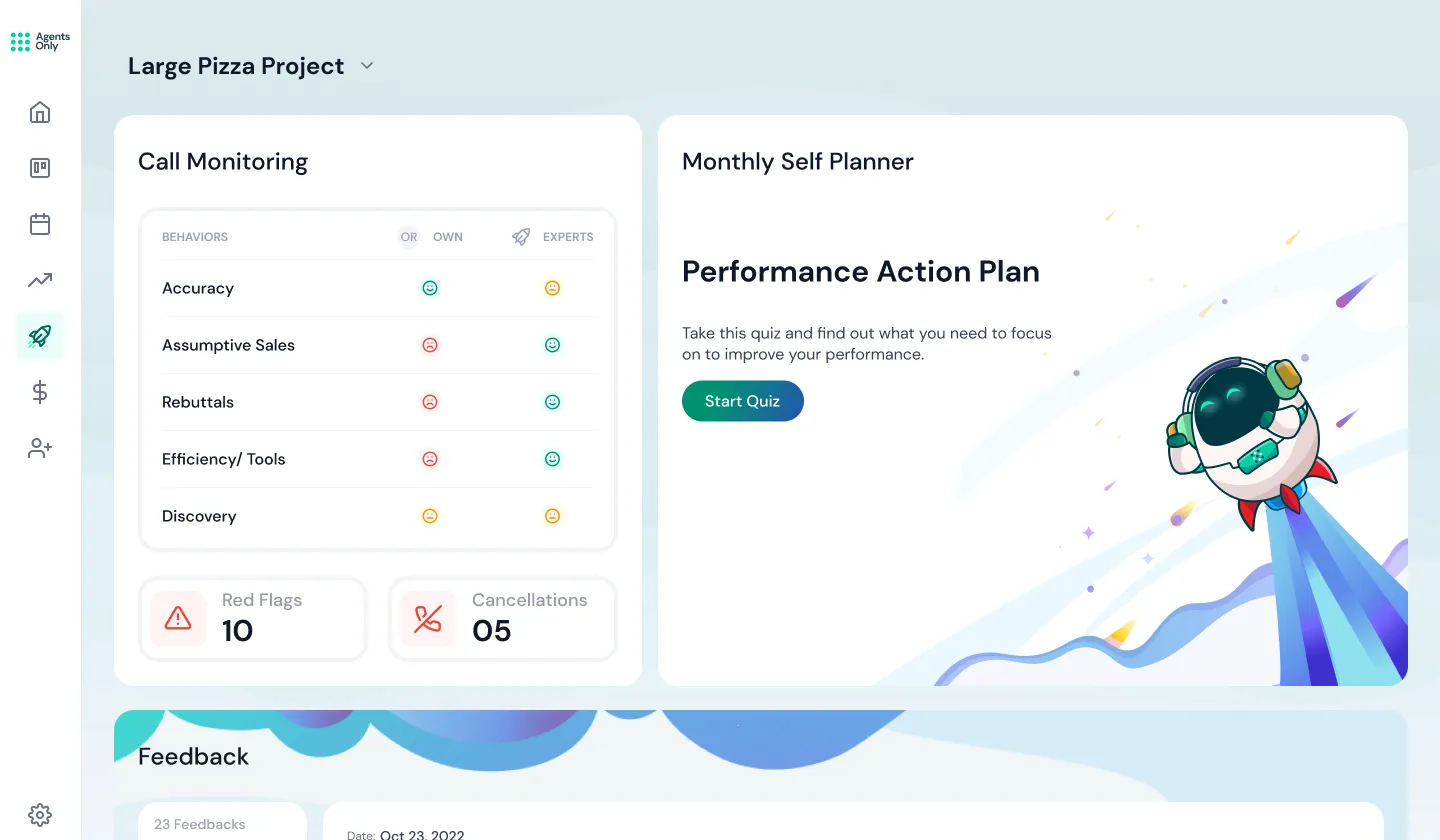
Coaching is 1 of the most significant feature of Agents Only. The algorithm behind this can analyze and evaluate agent performance based on various metrics such as call duration, customer satisfaction ratings, conversion rates, and adherence to scripts or guidelines.
FEATURED CASE STUDIES
Calls' Star Rating Breakdown
01 / Project context
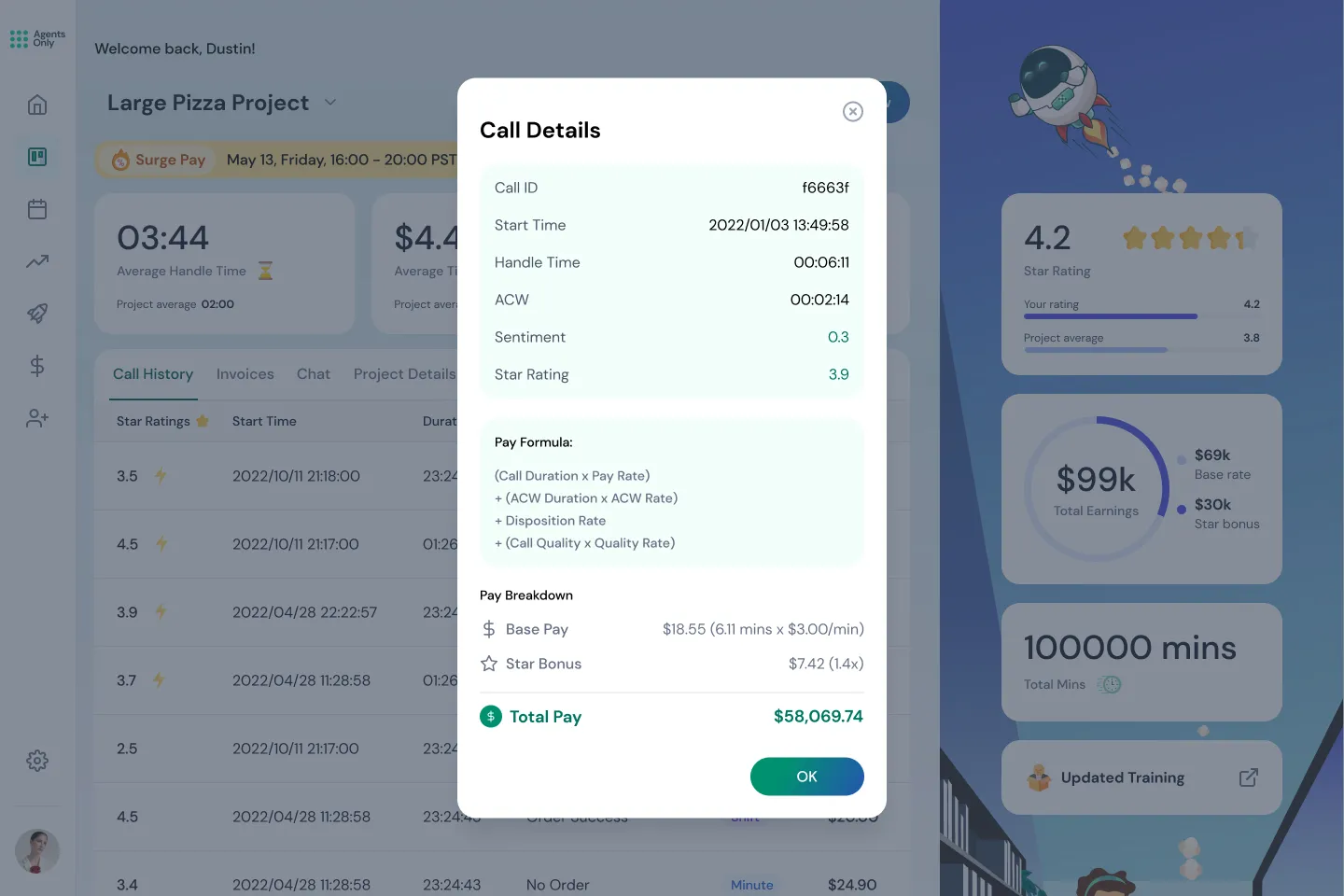
In HP for example, the star rating of top performers is below 4 (by design).Currently, the "Top 10%" graph is not accurate because it's actually the average of 4-star agents and above.
02 / Problem & constraints
Knowing the metric that determined the rating will enable immediate response from agents right on their next call.
Actual Star Rating Calc per Call
Linked to Client Star Settings (actual algorithms)
In addition to 'Client Summary Images'
03 / Scope & direction
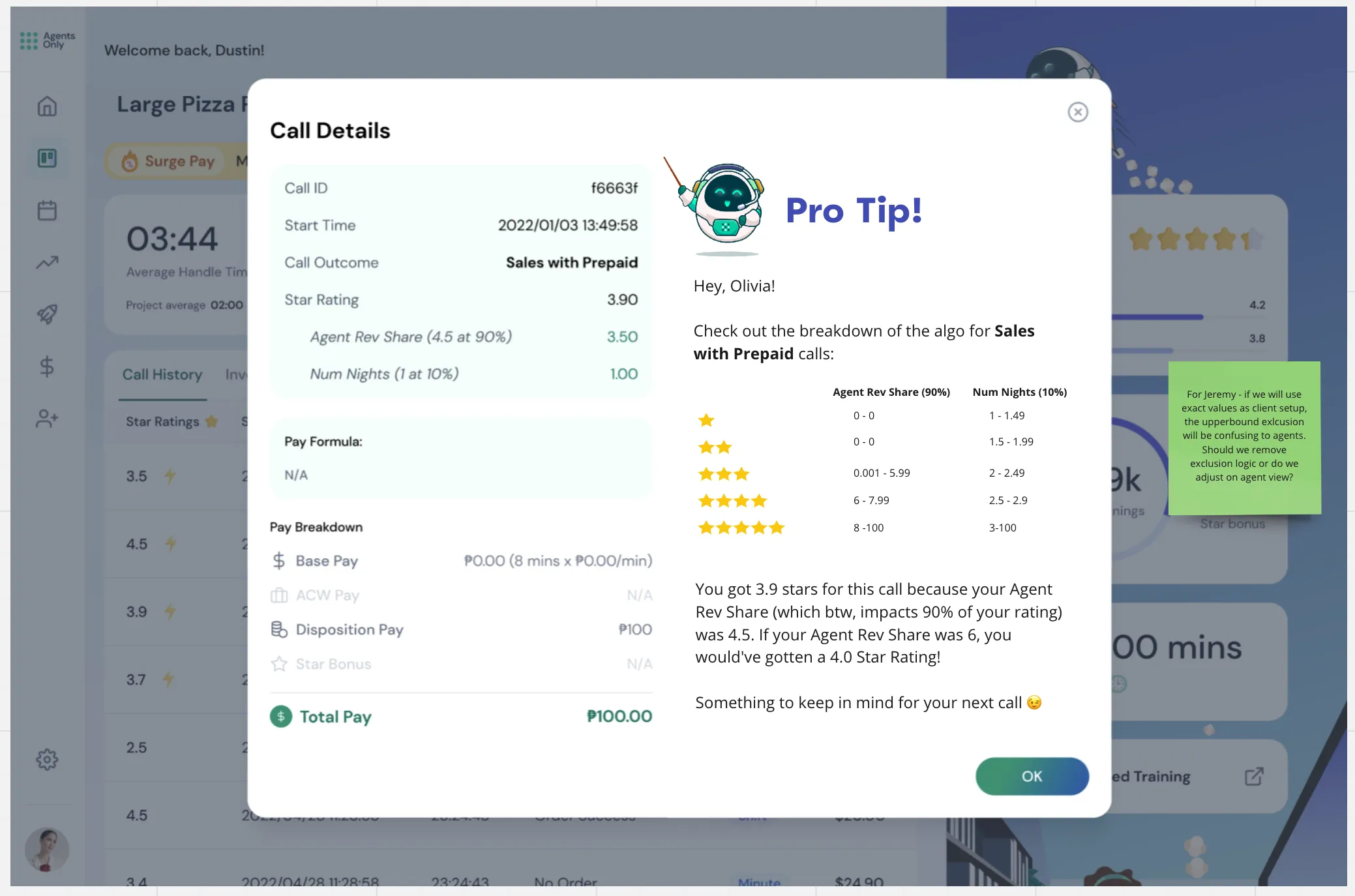
☑️ It is clearer to agents why they got that star rating (by showing the breakdown dimensions that make up the algorithm.
☑️ The agent will be able to see what it takes to get a higher star rating (e.g, I got 1 star because my Num Nights was 1.49. But if I was able to close the call with 1.5 Num Nights, I would have gotten 2 stars instead - just a 0.10 difference!)
☑️ Would be good if it had a gamification feel
💡 Content-wise, it should include info that helps them understand why they got what they got, plus a little push on what they need to do to improve.
💡 Should look fun, not boring.
💡 Apparently, agents tend to share screenshots with each other on Discord about their star ratings/ achievements.
04 / Collaboration & iteration
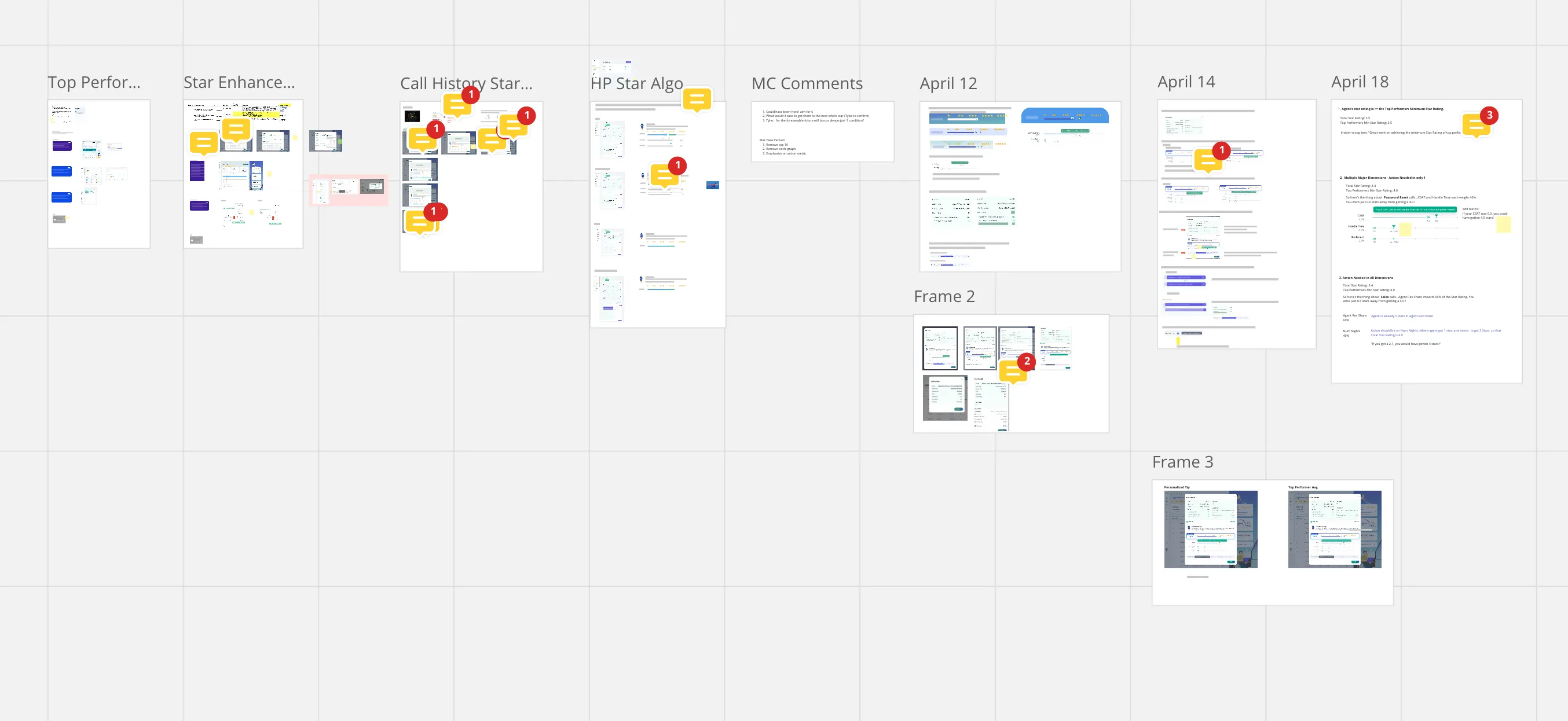
After a few discussions with the PM, I came up with some suggestions for the general UX pattern, and UI visual direction to match with the rest of the platform.
I was the founding designer of the agent portal so i knew and understood the visual language of the platform like the back of my hand.
05 / Design decisions
06 / Outcome & reflections
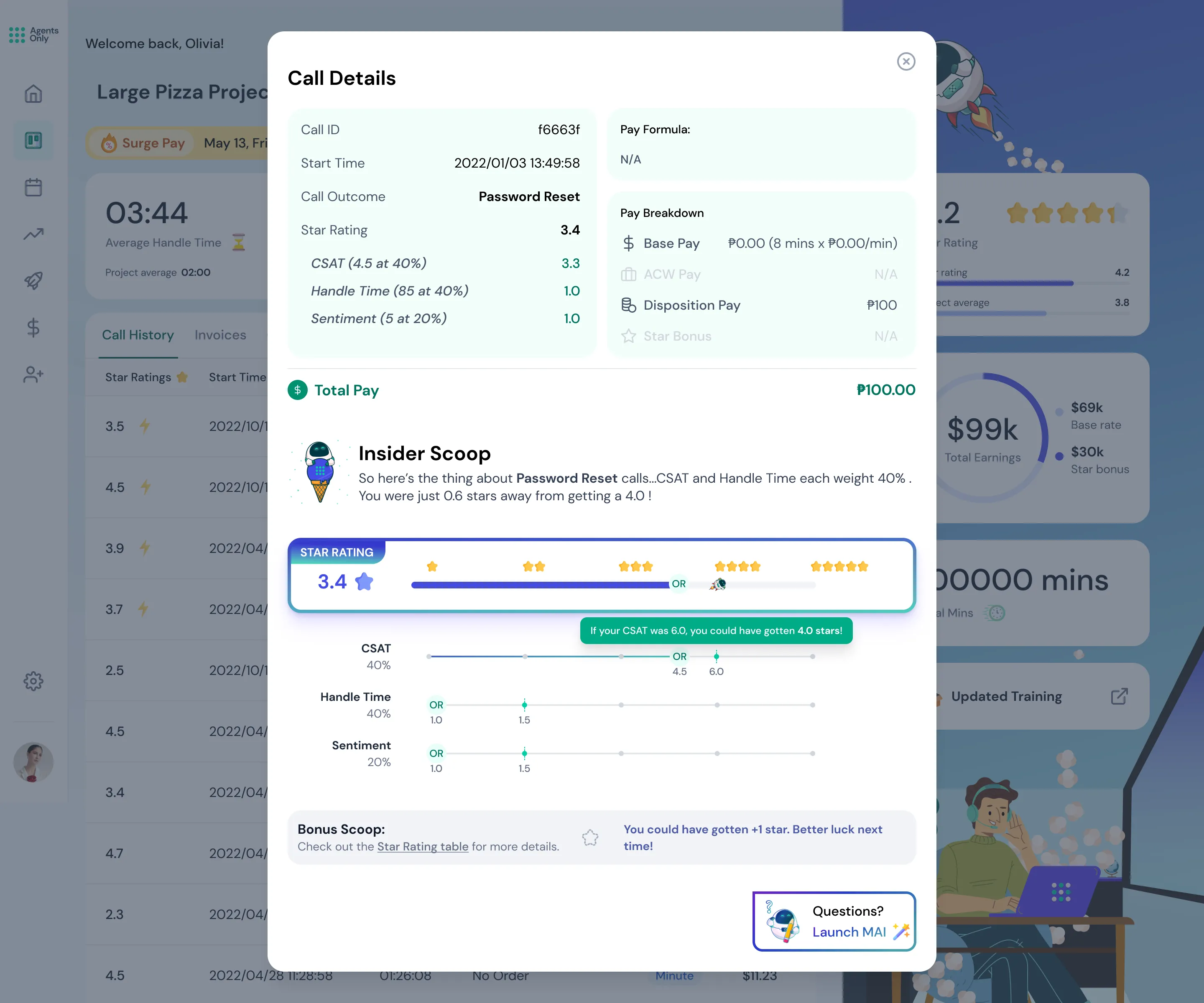
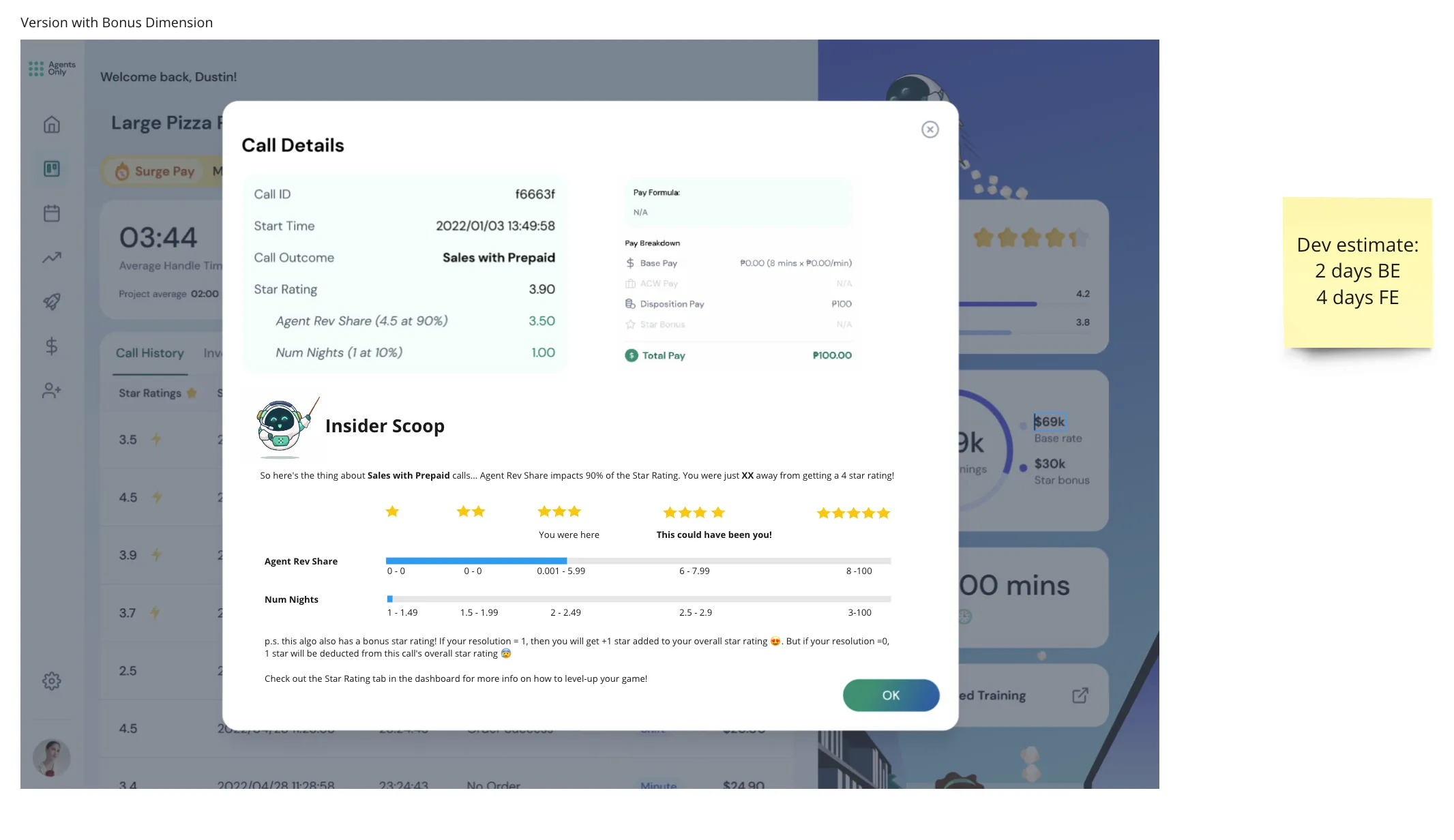
Start Time: Displays the start time of the call.
Call Outcome: Outcome of the call.
Star Rating: Overall star rating of the call.
Performance Metrics: Breakdown of the agent's performance, for example, using three metrics - CSAT (4.5 at 40%), Handle Time (1.0 at 40%), and Sentiment (1.0 at 20%). Note that the metrics depend on different kinds of project.
Two graphical representations provide a clear and visual analysis of the CSAT, Handle Time, and Sentiment metrics. They help the agent understand where they stand and how they could have achieved a better rating (the graph value and name are just an example data).
Bonus Scoop offers an additional tip for the agent, suggesting to check the Star Rating table for more details. It also provides encouragement by mentioning the potential to earn an extra star.
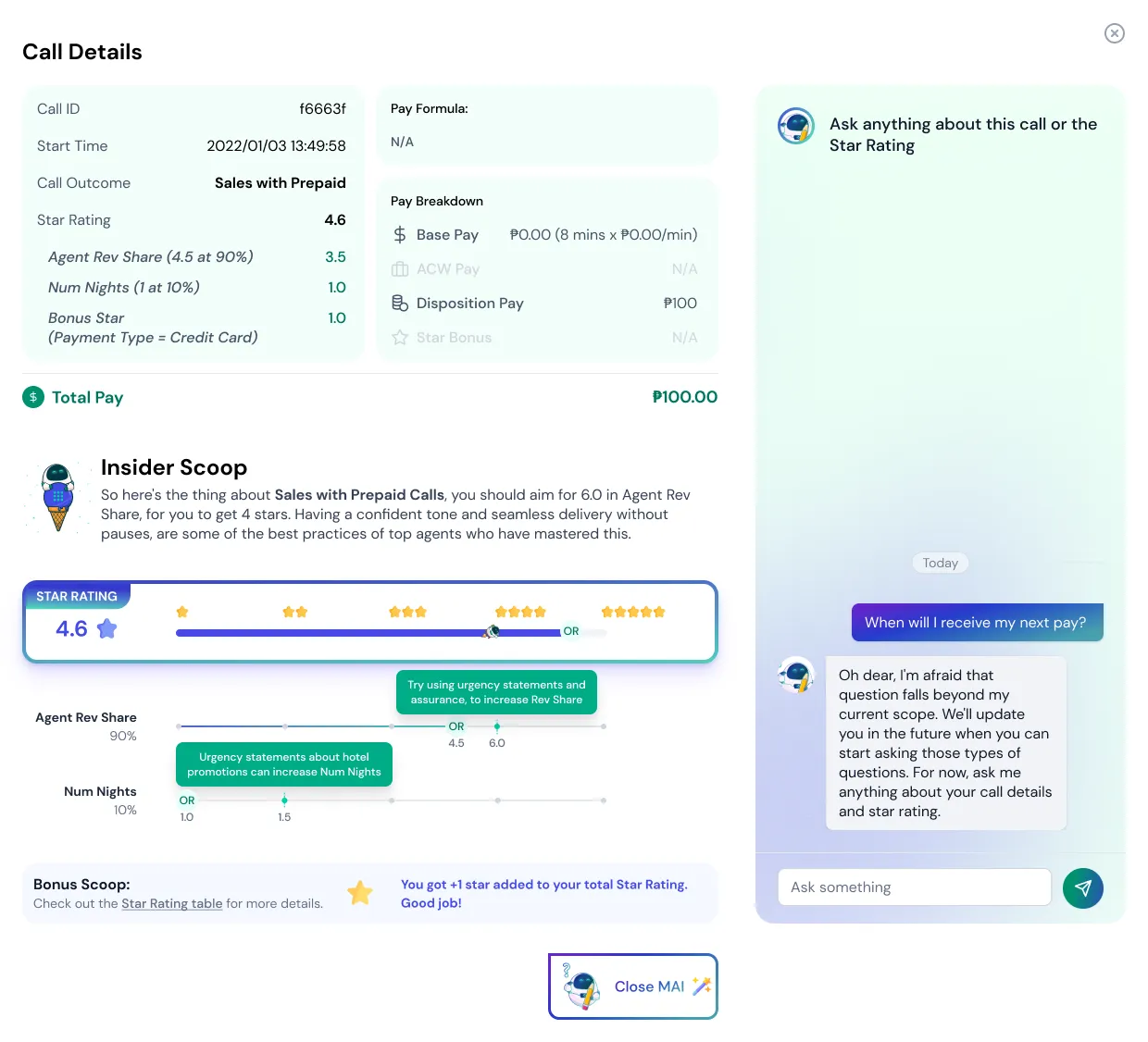
Questions Button: Agents can directly launch the "MAI" (an AI assistant to agents) if they have questions about their performance metrics.